Waiver
Activity centres where a child can get hurt need a signed waiver before anyone plays. This is the thing that collects it: typed in, signed on screen, saved as a PDF. It began as one HTML page and ended up a C# desktop application on SQL Server.
- HTML
- JavaScript
- C#
- .NET
- WinForms
- SQL Server
- ChatGPT
Where It Started
The first version was a single HTML page. Participant and guardian details, a date, an emergency contact with a country-code picker, the liability text itself, and a signature box you drew into with a mouse or finger. Generate the waiver, save the PDF, done.
It was multi-language from the first version, with the language dropdown at the top of the form.
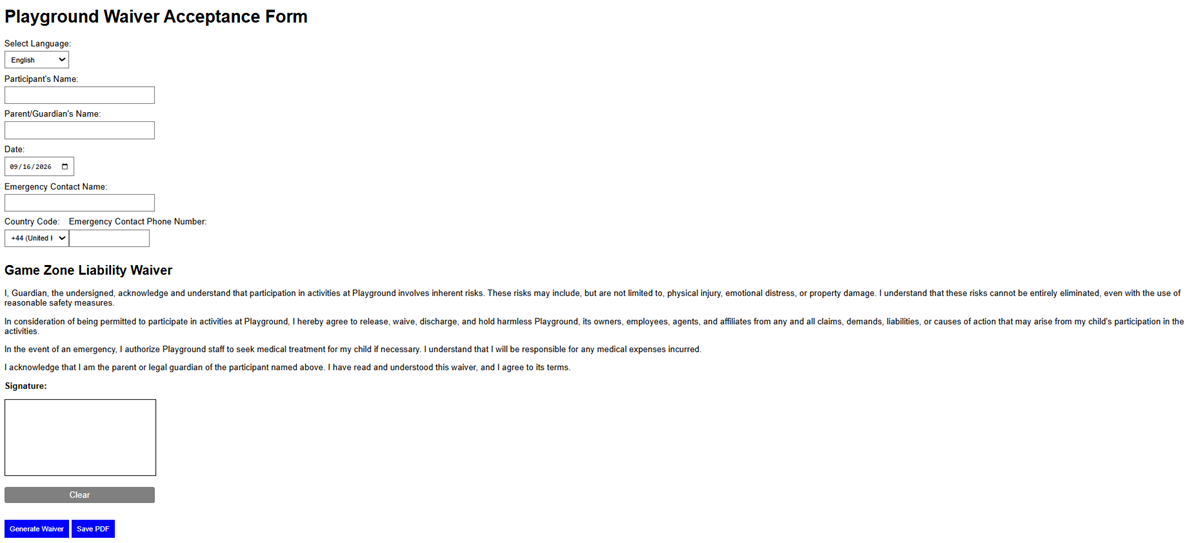
The signature itself was drawn straight into the page and cleared if it went wrong, then Generate Waiver assembled the document and Save PDF wrote out the copy the centre keeps on record.
Each waiver downloaded as a PDF with the customer’s name at the end of the filename, so no two collided, and the form cleared itself ready for the next family in the queue. For a single HTML page that was enough to run on, and it proved the idea worked, which is the only thing a first version has to do.
Into a Real Application
A single HTML page could not reach the systems the centre already ran. The second version moved to a C# WinForms desktop app on SQL Server, pulling a visitor’s details in as they signed instead of asking them to type what the business already held.
A database also made the waiver itself configurable. Operators can set up different waivers for different activities, and give one an expiry, so a regular visitor signs once and stays covered for a week rather than filling in the same form every visit.
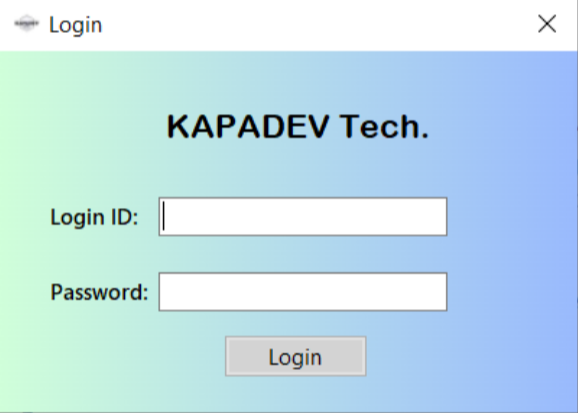
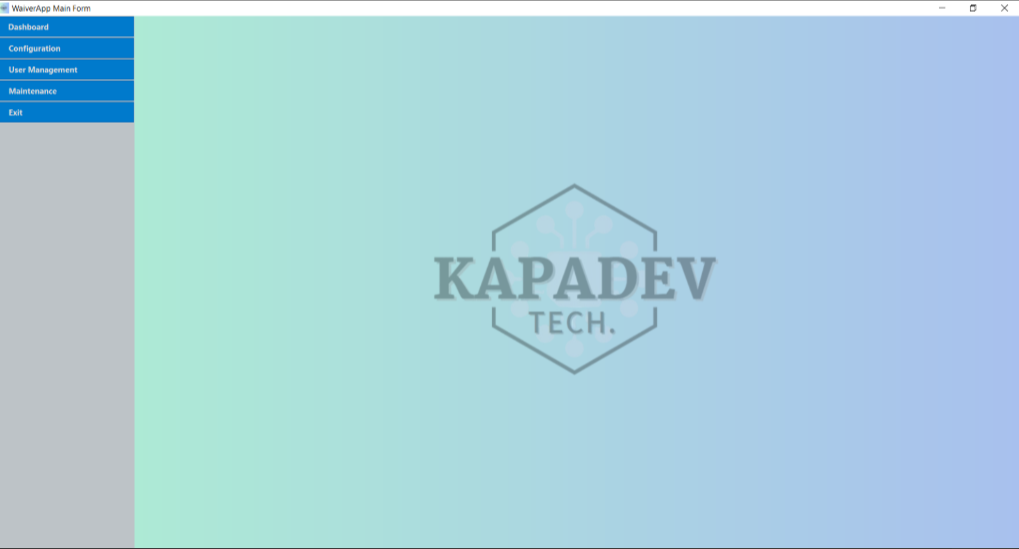
That meant it needed the things a real application needs: accounts and a login, user management, configuration, and maintenance screens. I gave it a name and an identity along the way. KAPADEV Tech, picked at random, but it made the thing feel like a product rather than a script.
What I Was Actually Testing
The waiver was the excuse. What I wanted to know was how far ChatGPT could carry a real product. Not a snippet or a demo, but something with a database behind it, a product backlog in front of it, and a person who would eventually have to use it.
The answer was: comfortably to a working minimum viable product. Getting from nothing to something that ran, stored data and looked deliberate was fast.
Past a certain backlog size, every new feature started costing me a working one.
The ceiling showed up later. As the product backlog grew and each iteration carried more context, changes started arriving that quietly broke things I was already happy with. A screen redesigned when I’d asked for a field, behaviour changed in a part I hadn’t mentioned. Writing the code was never the problem. The problem was that ChatGPT had no stake in protecting what already worked.
That is the finding I actually took away, and it changed how I work. I scope each iteration small enough to verify, keep the product backlog prioritised rather than merely long, and treat “what must not change” as part of the requirement rather than something the tool will infer.
Where It Is Now
A developer friend was interested enough to take it on, so it is his to carry forward. It had gone as far as I wanted to take it as an experiment, and the thing I built it to learn, I had learned.