Licence Request Workflow
Licence requests reached my team as support tickets and chat messages. Nothing tracked what happened after that: what was still open, what needed authorising, what had already been done.
- Power Automate
- SharePoint
- Microsoft Teams
What I Built
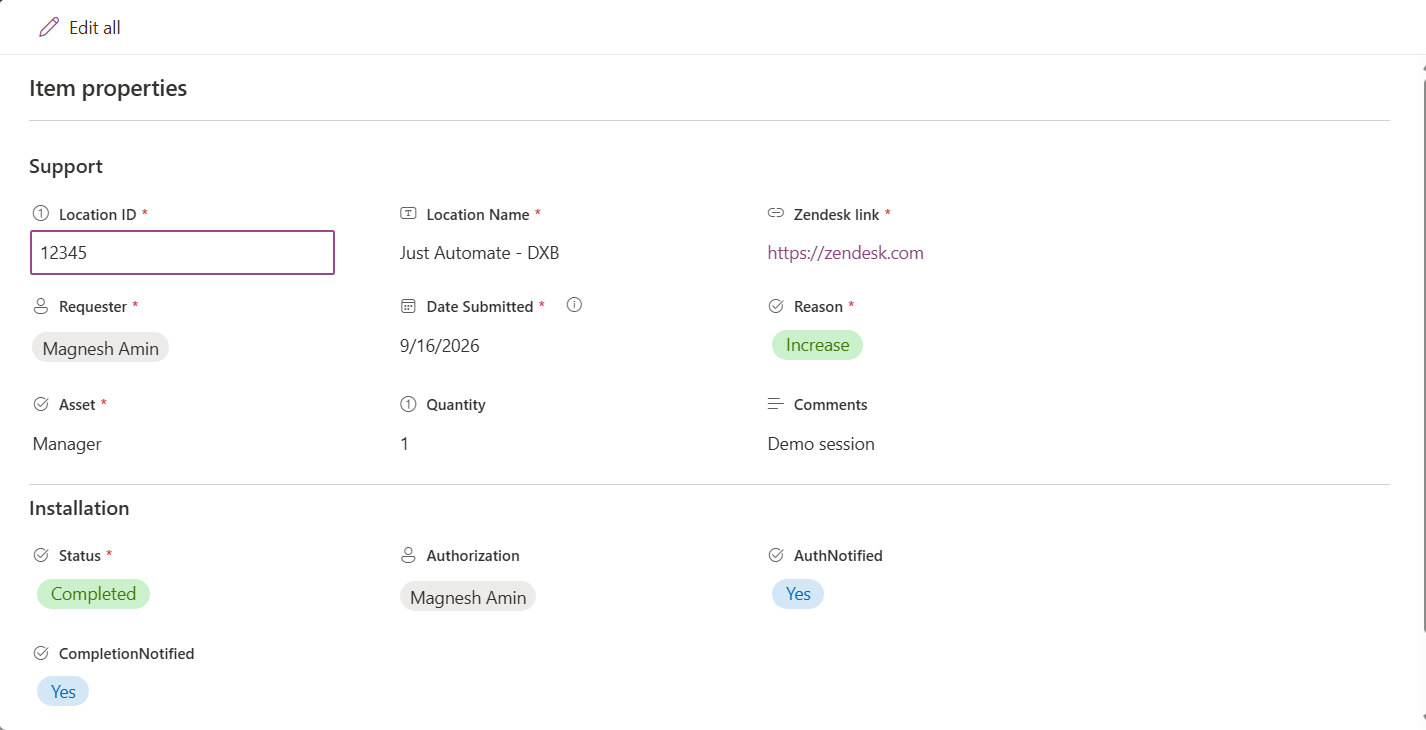
A request is submitted through a form attached to a SharePoint list. The form captures the location, the licence type, the quantity, the reason and the support ticket it relates to. There is a QR code for the form: scan it, fill it in on a phone, submit, and the request is on the list. No desktop needed.
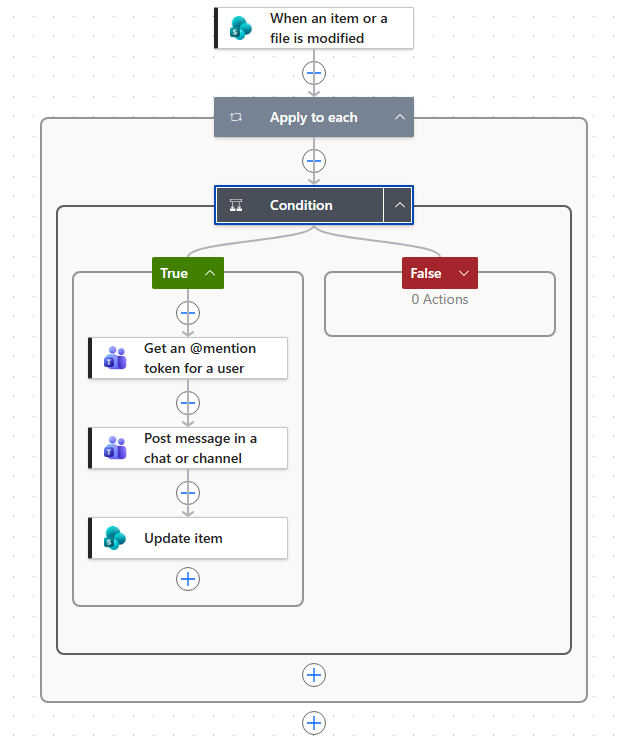
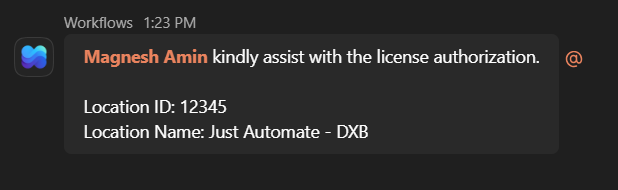
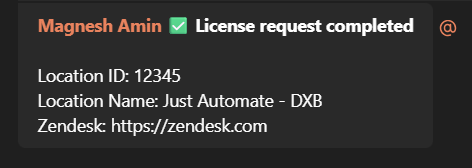
The rest runs on Power Automate flows. When a request is logged, my team is notified in Teams and the details are emailed to the team that actions it. When a request needs authorising, the authoriser is named on the list item and the flow @mentions them in the team’s chat, so it goes to one person rather than to a group. When a request is marked Completed, a confirmation is posted back. Every weekday morning, a flow counts the open requests and tags the owners with the number.
None of this replaced a blank slate. The requests were always getting handled. What was missing was a record of who was waiting on what.
What Got In The Way
My first design put interactive Adaptive Cards in Teams, so a request could be approved from the message itself. They were not available in the environment I was building in, so I rebuilt the intake around SharePoint’s own list form and reached the same place.
Testing turned up a second problem. Any later edit to a request re-fired its notifications, so editing a record could @mention the authoriser again. Each flow now writes a flag back to the item once it has notified, and checks that flag before notifying again, so each event fires once however many times the record is edited.