Pre-Setup Semi-Automation
Standing up a new system meant installing SQL Server, Management Studio and Reporting Services, then setting collation, service accounts, named pipes and mixed-mode authentication. About an hour of careful clicking, every time.
- PowerShell
- SQL Server
- Windows
What I Built
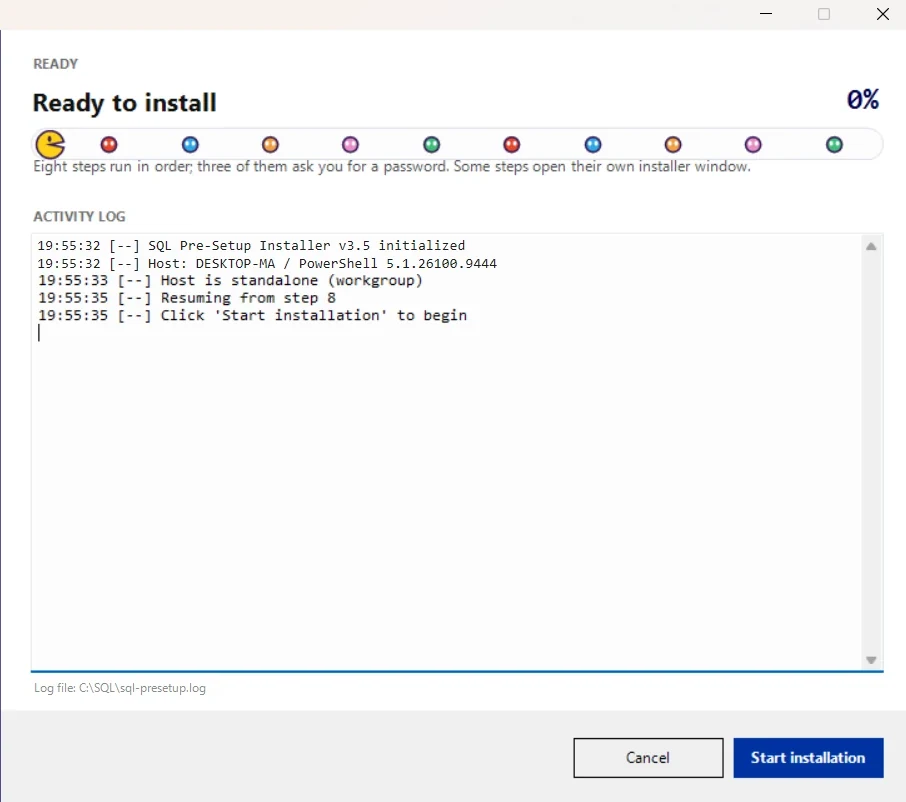
PowerShell scripts took that hour down, then went into an executable that runs the eight steps in order, takes a few inputs, shows progress as it goes and logs what it did. If a machine is interrupted part way, it resumes from the step it stopped on rather than starting again.
What Got In The Way
It cannot run unattended. Three of the eight steps ask for a password, and several hand over to the vendor’s own installer window.
So what it removes is the ordering, the settings and the remembering, not the person at the keyboard. That is why it is called semi-automation rather than automation. I am still extending it.